How AI Automation Is Helping Businesses Reduce Costs and Improve Productivity in 2026
1. Introduction: The Growing Need for Business Automation
Running a business in 2026 means absorbing costs that keep climbing while margins stay flat. Rent, salaries, software subscriptions, and logistics all cost more than they did two years ago, and most businesses can’t simply raise prices to match. At the same time, a huge share of daily work is still spent on tasks that don’t require human judgment at all — copying data between systems, answering the same customer questions repeatedly, chasing follow-ups that a calendar could trigger automatically.
This combination — rising costs and repetitive work eating into employee time — is exactly why businesses across every industry are turning to AI automation. It’s no longer a “nice to have” for large enterprises. It’s becoming the difference between a team that spends its time on growth and a team that spends its time on upkeep.
2. What Is AI Automation?
Traditional automation follows fixed rules: if X happens, do Y. It’s useful, but brittle — the moment a situation falls outside the rule, it breaks or needs a human to step in. AI-powered automation works differently. Instead of only following rigid instructions, it can understand context, interpret unstructured information like emails or chat messages, and make a reasonable decision even when the situation wasn’t explicitly programmed in advance.
In practical terms, that means an AI system can read a customer’s message, work out what they actually want even if they phrase it oddly, and take the appropriate next step — rather than simply matching keywords and failing when the wording doesn’t match a script.
3. Key Ways AI Automation Reduces Business Costs
Cost reduction from AI automation tends to come from a handful of consistent sources across almost every business that adopts it well:
- Automating repetitive tasks — data entry, invoice processing, scheduling, and report generation no longer need a dedicated person doing them manually every day.
- Reducing manual errors — a tired employee retyping the same data for the hundredth time will eventually make a mistake; an automated system performs the task identically every time.
- Improving employee productivity — when repetitive work is removed, employees spend their hours on tasks that actually need human judgment, which raises the value of every hour worked.
- Providing 24/7 customer support — AI systems don’t need shifts, overtime pay, or holidays off, which extends service hours without extending payroll.
- Optimizing workflows — automation often exposes inefficient steps in a process simply by forcing a business to map out how work actually flows before automating it.
4. AI Chatbots and Customer Service Automation
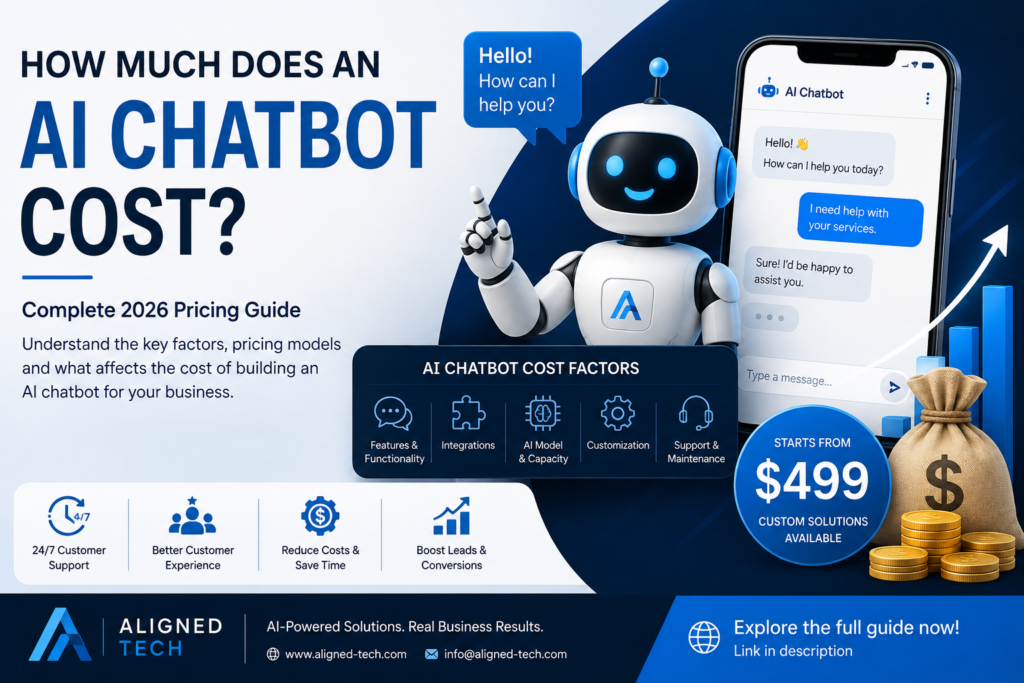
Customer service is usually the first place businesses see automation pay off, because the volume of repetitive questions is so high. A well-built AI chatbot can handle FAQs instantly — pricing, hours, availability, order status — without a customer waiting for a human to type the same answer they’ve typed a hundred times before.
Beyond FAQs, chatbots increasingly handle lead qualification, asking the right questions to determine whether an inquiry is a serious prospect before it reaches a sales rep, and appointment scheduling, booking directly into a calendar without back-and-forth messaging. Just as important is the human-agent handoff: a good chatbot knows the limits of what it should handle and passes the conversation to a person the moment it involves something sensitive, complex, or high-value. For businesses serving multiple markets, multilingual customer support means a single chatbot can serve customers in Arabic, English, and other languages without needing a separate agent fluent in each.
5. AI Voice Agents and Business Communication
Chat isn’t the only channel AI has moved into. AI voice agents now handle a meaningful share of both inbound and outbound calls — answering routine enquiries, confirming details, and routing complex calls to a human. They’re particularly effective for lead follow-ups, where speed matters more than nuance, and for appointment confirmations, where a short, predictable call can replace an entire outbound calling shift. For simple customer enquiries — checking order status, confirming business hours, verifying an address — a voice agent can resolve the call without a human ever picking up the phone.
6. Workflow Automation Across Departments
AI automation isn’t confined to customer-facing work. Across a typical organization, it touches nearly every department differently:
- Sales — automated lead scoring, follow-up sequences, and CRM data entry.
- Marketing — content scheduling, campaign performance reporting, and audience segmentation.
- Customer support — ticket routing, response drafting, and satisfaction follow-ups.
- HR — resume screening, interview scheduling, and onboarding document collection.
- Finance and administration — invoice processing, expense approvals, and recurring reporting.
The common thread across all five is the same: work that follows a predictable pattern is exactly the work AI automation is built to take over.
7. Real-World Business Benefits of AI Automation
Beyond the department-by-department detail, the benefits businesses report tend to cluster around four themes: faster response times to customers and internal requests alike, lower operational workload on teams that were previously stretched thin, a better customer experience driven by consistency and availability, and — often the most valuable long-term benefit — scalable operations that can handle growth in orders, clients, or markets without a proportional increase in headcount.
8. Common Mistakes Businesses Should Avoid
Not every AI automation rollout succeeds, and the failures tend to follow a predictable pattern:
- Automating without understanding the workflow — you can’t automate a process nobody has clearly mapped out.
- Choosing technology based only on price — the cheapest tool is rarely the one that fits the specific workflow it needs to support.
- Ignoring security — automation that touches customer data needs the same security discipline as any other system handling sensitive information.
- Failing to test AI systems — a system that hasn’t been checked against real data and real edge cases will eventually fail in front of a customer.
- Not providing human oversight — even well-built automation needs a person monitoring outcomes, not a “set it and forget it” mindset.
9. How to Start Your AI Automation Journey
Businesses that succeed with automation tend to follow a similar sequence. First, identify repetitive processes — the tasks eating the most hours with the least judgment required. Second, set measurable goals, such as a specific reduction in response time or manual hours, rather than a vague ambition to “use more AI.” Third, select the right AI solution for that specific problem, rather than a generic platform that happens to be trending. Fourth, test before deployment against real data and real customer behavior, not just a clean demo scenario. Finally, monitor and optimize performance continuously, since automation should improve over time rather than stay frozen at launch quality.
10. Conclusion: Turning Automation Into a Competitive Advantage
The businesses getting the most out of AI automation in 2026 treat it as a productivity tool, not a replacement for people. The goal isn’t fewer employees — it’s employees spending less time on repetitive work and more time on judgment, relationships, and growth. That shift only holds up when the automation itself is practical and properly tested, rather than rushed into production on the assumption that it will simply work.
Looking ahead, the gap between businesses that automate thoughtfully and those that don’t is likely to widen. The advantage won’t go to whoever adopts AI first — it will go to whoever builds automation that’s tested, reliable, and actually matched to how their business runs.